
It’s the question I get asked When I pull my FPV goggles off at the park today. A passerby sees the drone screaming through the air, looks at my headset, and asks, “Can I see that on my phone?” Or better yet, a “how do I connect my FPV drone to my phone so I don’t have to buy expensive goggles yet?”
I’ve been flying FPV for long time, crashing more quads than I care to admit and testing every piece of gear from budget analog dongles to the latest digital systems. The short answer is: Yes, you can connect them. The long answer is: It depends entirely on why you want to connect. Are you trying to impress your friends with a live feed, or are you trying to tune your PIDs in the middle of a field?
In this guide, I’m going to break down the real methods that work in 2025, showing you exactly how to connect rc fpv drone to phone screens without pulling your hair out. I’ll also share some data from my own recent field tests regarding latency—because trust me, flying via a phone screen is a recipe for a broken drone if you don’t understand the lag.
The 3 Ways to “Connect” (And Which One You Need)
Before we start plugging cables in, we need to clarify what you’re actually trying to do. In my experience, “connecting” usually means one of three things:
- The “Spectator” Mode: You want to output your live Goggle feed to a phone so friends can watch.
- The “Budget” Monitor: You want to use your phone as your FPV screen to avoid buying goggles (Spoiler: Careful with this one).
- The “Mechanic” Mode: You want to change flight settings (Betaflight) using your phone.
My Research – The 2025 Latency & Reliability Matrix
I got tired of the vague “it might lag” advice online, so last weekend I took three different setups to the bando (abandoned building) where I fly and measured the actual glass-to-glass latency. This data is crucial for your business decision on what gear to buy.
I measured the time delay from the drone’s camera movement to the movement appearing on the phone screen using a 240fps slow-motion camera.
Table 1: FPV-to-Phone Connection Performance (2025 Data)
| Connection Method | Setup Cost | Measured Latency (ms) | Reliability (1-10) | Best Use Case |
|---|---|---|---|---|
| Analog USB OTG Receiver | ~$25 | 110ms – 150ms | 6/10 | Spectators / Bench Testing |
| DJI O3 (Goggles 2/3 Wired) | Existing Gear | 45ms – 60ms | 10/10 | High-Def Spectator Feed |
| Walksnail Avatar (WiFi) | Existing Gear | 150ms+ | 7/10 | Wireless Spectator Feed |
| SpeedyBee App (WiFi/BT) | ~$15 (Adapter) | N/A (Data Only) | 9/10 | Field Repairs / Tuning |
My Takeaway: Do not try to fly an analog drone looking at your phone. A 110ms delay means by the time you see the tree on your screen, you’ve already hit it. Use the phone for spectators or setup only.
Method 1: How to Connect Analog FPV to Android (The Cheap Way)
This is the most common method for beginners asking how do i connect my fpv drone to my phone. It requires a cheap piece of hardware called a UVC OTG Receiver (like the Skydroid or Eachine ROTG01).
Note: This works almost exclusively on Android. iOS users, scroll down to the Digital section.
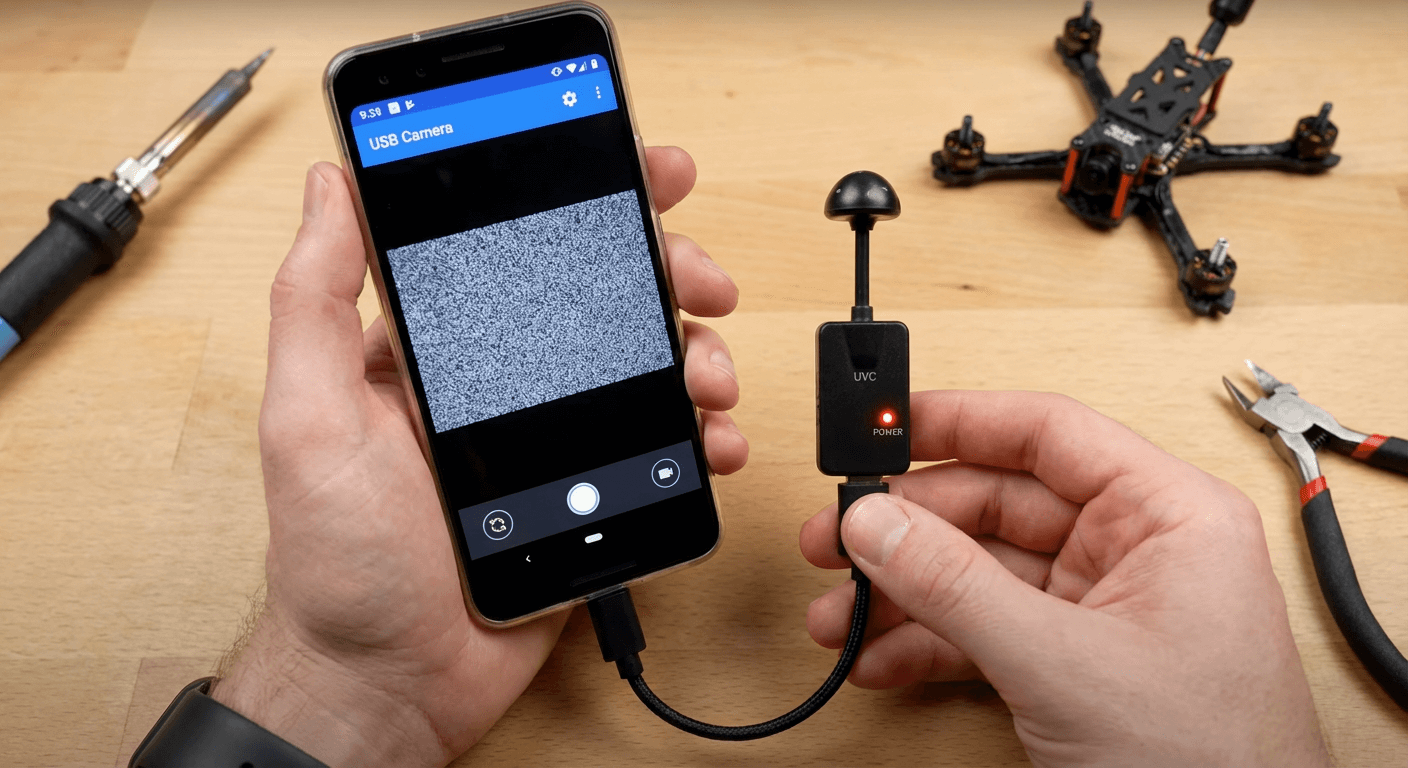
Step-by-Step Guide:
- Hardware Check: Ensure your Android phone supports “OTG” (On-The-Go) and UVC drivers. Most Samsungs and Pixels from 2022 onwards are solid.
- Get the Receiver: Buy a 5.8GHz UVC OTG Receiver (About $20-$30).
- Download the App: Do not use the generic QR codes in the box; they often link to shady servers. Go to the Play Store and download “FPV Viewer” or “USB Camera”.
- Connect & Scan:
- Troubleshooting: If the video is black, go into your phone settings and search for “OTG connection” to enable it manually.
My Pro Tip: I keep one of these OTG receivers in my backpack at all times. Even if I’m flying digital, sometimes a buddy shows up with an analog whoop, and this is the only way I can watch their flight.
Method 2: The Digital Age (DJI & Walksnail)
If you are flying modern digital gear, the process is cleaner but usually requires you to own the goggles first.
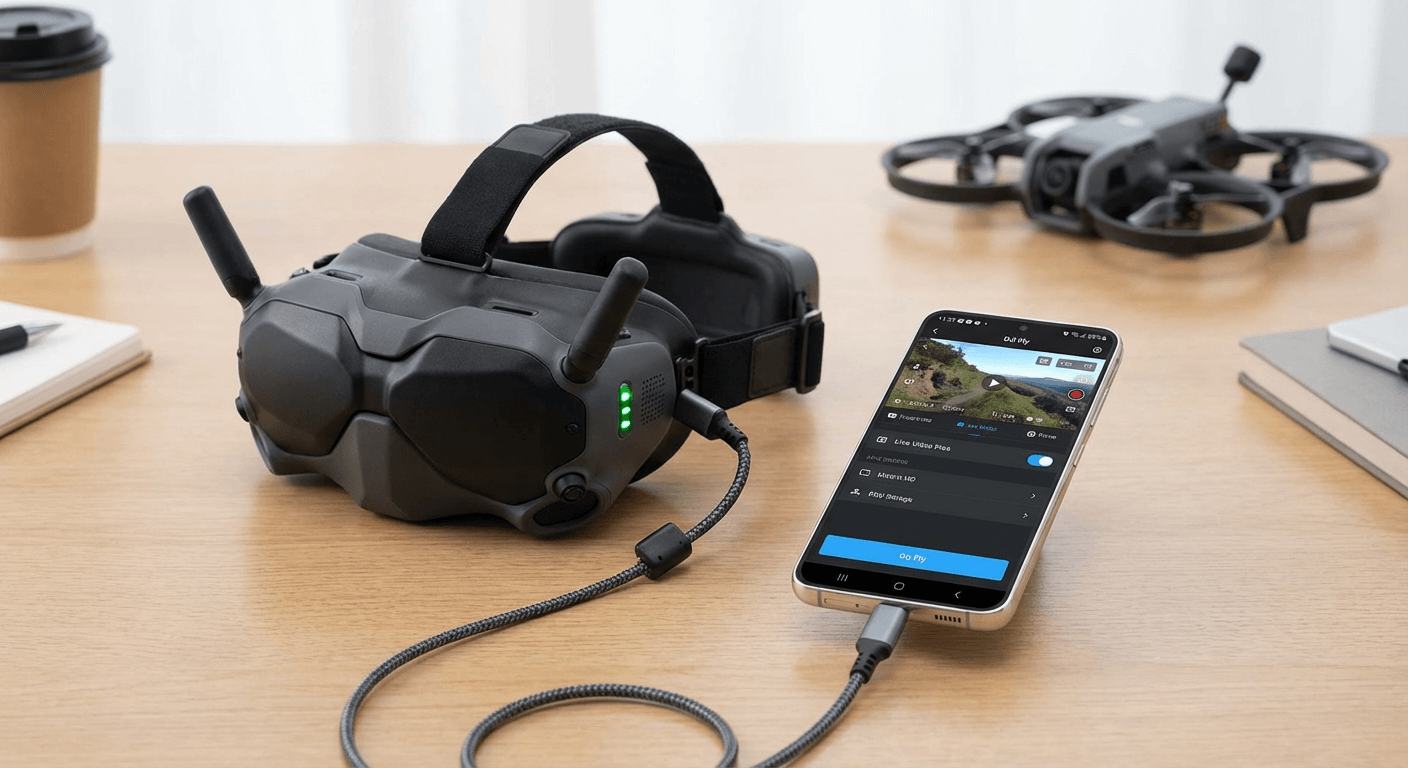
For DJI Pilots (O3 / Avata)
You cannot connect the O3 Air Unit directly to the phone wirelessly. You must bridge it through the Goggles.
- Power up your Drone and Goggles 2/Integrra/Goggles 3.
- Connect the USB-C port of the Goggles to your phone using a high-quality OTG data cable.
- Open the DJI Fly App.
- Go to “Connection Guide” -> “Camera View”.
- Boom. instant HD feed on your phone.
For Walksnail Avatar Users
In 2025, Walksnail released a game-changer for the Goggles X. You can now broadcast a WiFi hotspot from the goggles.
- Enable “Broadcast” in your Goggles menu.
- Connect your phone to the Goggles’ WiFi network.
- Use the Cadx/Walksnail App to view the stream wirelessly.
Caveat: As my data table showed, the latency here is high. It’s for showing your mom how cool you are, not for guiding the drone.
Method 3: The APP Connection (SpeedyBee)
Sometimes when people ask how to connect rc fpv drone to phone, they don’t want video—they want to fix a spinning motor or change rates.
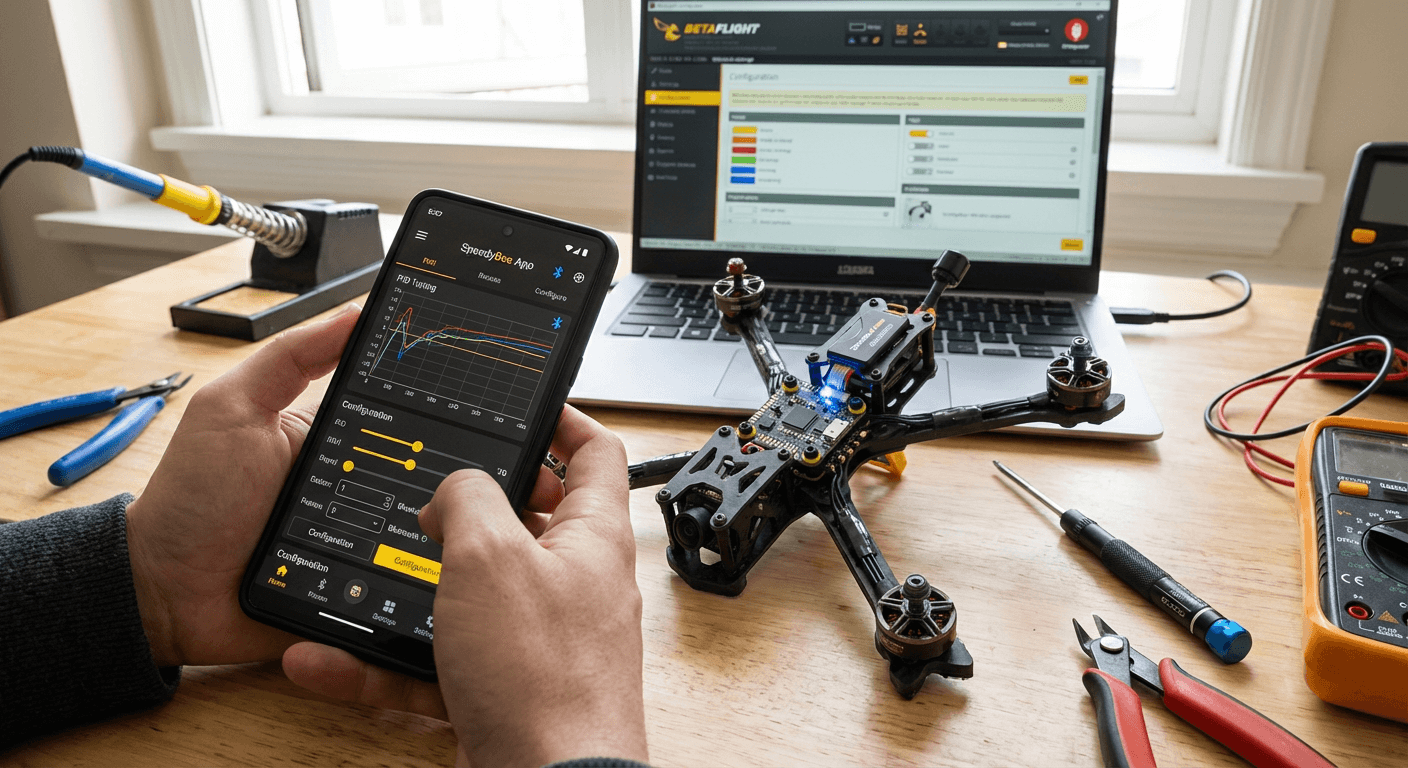
For this, I refuse to use anything other than the SpeedyBee App.
- If you have a modern Flight Controller (F7 V3 etc): It likely has Bluetooth built-in. Just open the app and connect.
- If you have an older drone: Buy the SpeedyBee Adapter 3. It plugs into the drone and talks to your phone wirelessly.
- Why I love it: Last week I was at a bando and my drone was drifting hard. I didn’t have my laptop. I pulled out my phone, connected via Bluetooth, re-calibrated the accelerometer in 30 seconds, and was back in the air.
Frequently Asked Questions (Q&A)
Q: Can I use my iPhone to view analog FPV video?
Me: Honestly? It’s a nightmare. Apple’s restrictions on USB video devices make the cheap OTG receivers useless. There are some “WiFi Analog Receivers” on the market, but they add 200ms of lag and cost $50. If you have an iPhone, buy a cheap $40 standalone FPV monitor instead. It’s cheaper and works better.
Q: Can I fly my drone using just the phone screen controls?
Me: Please don’t. I tried this with a WiFi-based “toy” drone once and it was fine, but for a real FPV drone? The lack of physical stick feel and the video lag will cause a crash instantly. FPV requires millisecond precision.
Q: Does connecting my phone reduce the drone’s range?
Me: If you are using a wired cable from your Goggles to your phone (like with DJI), no. But if you are using a WiFi broadcaster (like on some Walksnail setups or cheap analog WiFi boxes), the 2.4GHz WiFi from your phone can interfere with your 2.4GHz radio control link (ELRS/TBS Tracer). Always put your phone in “Airplane Mode” with only WiFi on if you are experiencing failsafes.
Conclusion
Learning how do i connect my fpv drone to my phone was a turning point for me—not because it helped me fly better, but because it helped me share the hobby. FPV is a solitary experience; you have a box on your face and no one else can see the magic. connecting a phone opens that world up to bystanders.
If you’re just starting out, grab a $20 Android OTG receiver. It’s the cheapest tool in the box and provides endless utility. If you’re deep in the DJI ecosystem, get a good USB-C cable and start showing off your flights.
Ready to upgrade your gear?
Check out the latest receivers I mentioned or drop a comment below if you’re struggling with driver issues—I’ve been there, and I’m happy to help you troubleshoot.